To-dos & notices · Coming soon
To-dos & notices
for me and us
Say it or type it, and it becomes a tidy to-do or notice. From the errands only you need to remember to the notices your office or club shares, all on one screen.
- App Store Coming soon
- Google Play Coming soon
- See how to get started
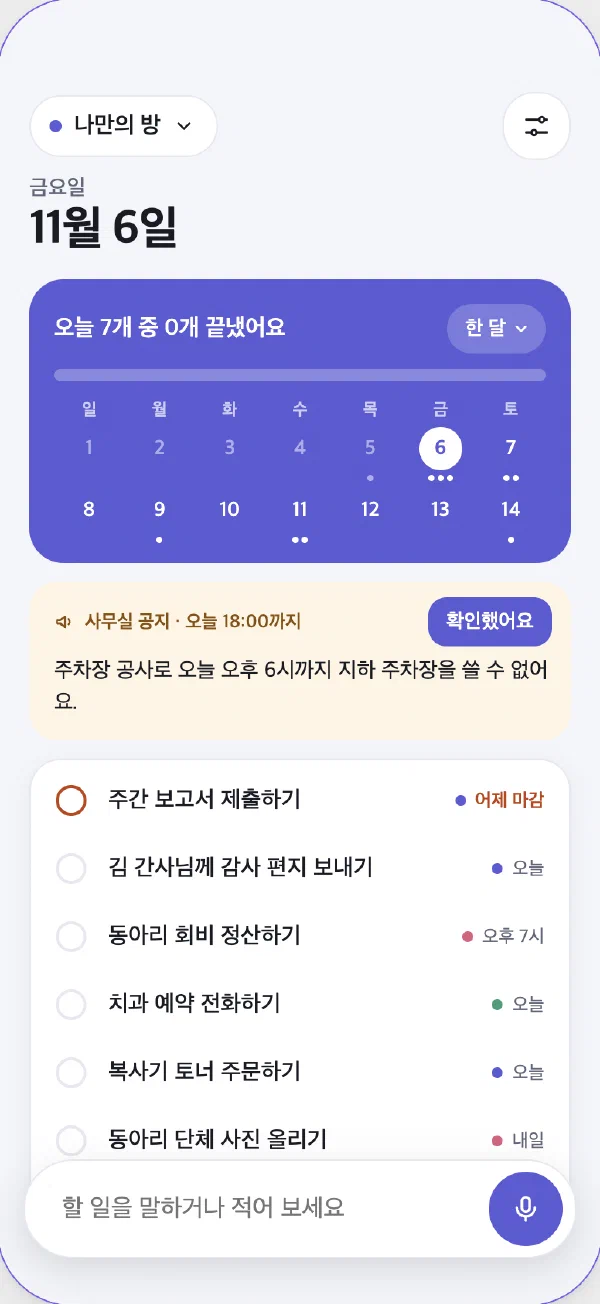
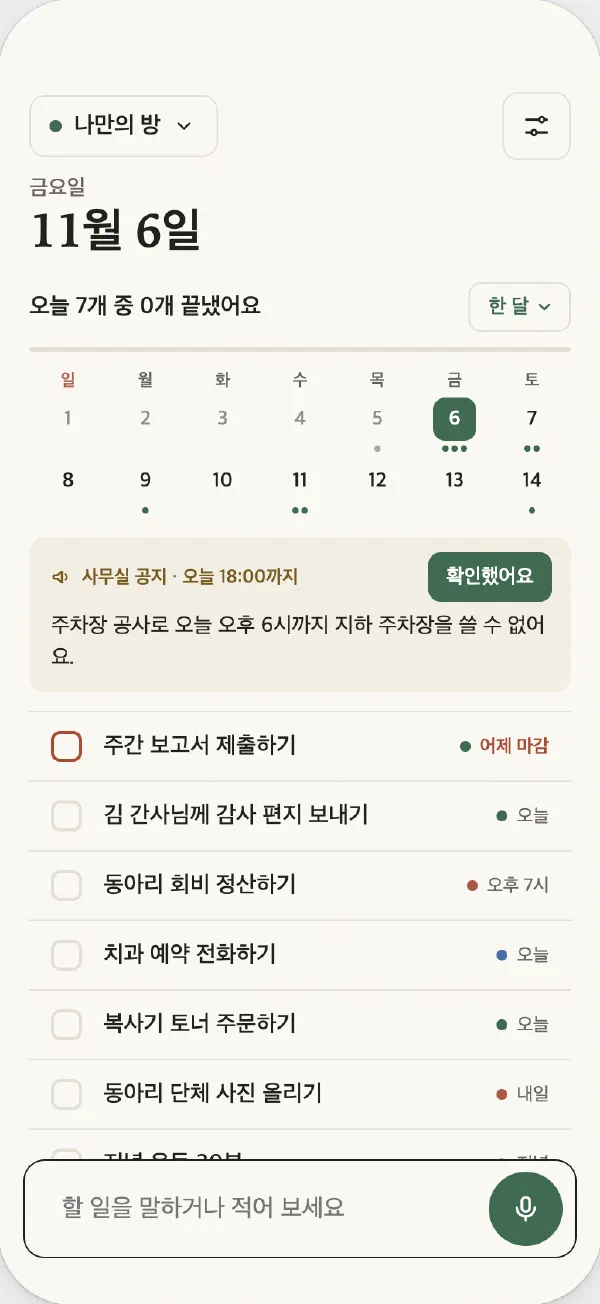
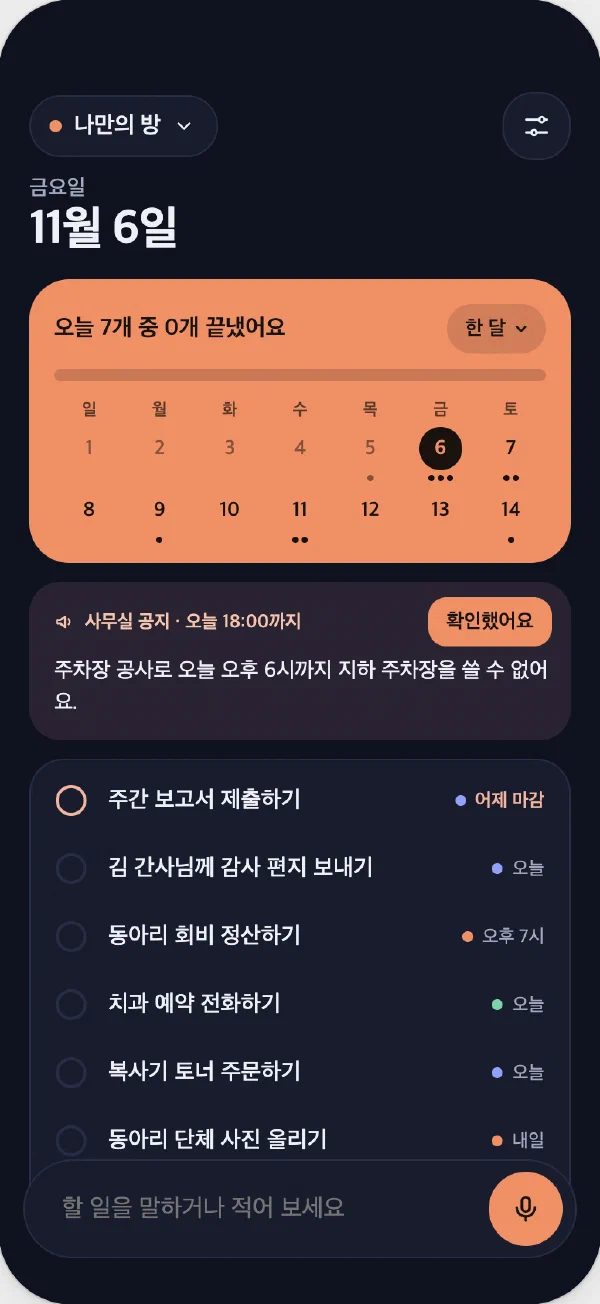
You can switch templates any time in the app's settings.
Quick capture
The moment it comes to mind
In a meeting or on a walk, just tap the mic and speak. Todo Dash works out what to do, by when and for whom, and turns phrases like “next Wednesday” into real dates.
It saves right away with no confirmation box, and one tap on “Undo” fixes a mistake. On a computer, use a keyboard shortcut; on a phone, long-press the app icon to jot something down.
“Prepare the meeting slides by next Wednesday, and order a flower wreath tomorrow.”
- Prepare the meeting slidesOffice · Nov 11
- Order a flower wreathJust me · Tomorrow
Added 2 to-dos Undo
My room
Scattered tasks, one place
Your office, your club and your personal list can live in different places, yet “My room” gathers only the notices sent to you and the to-dos assigned to you. It's the first screen you see when you open the app.
Things only you need to know go into “Just me”. They never go to any room and stay on your device.
- Just me1 to-do
- Office2 to-dos · 1 notice
- Club1 to-do
Notices
Notices that clear themselves once read
Set when each notice should come down. When that time passes, or everyone who received it taps “Got it”, it quietly leaves the list. Only the person who posted it and the admins can see who has read it.
The underground parking lot is closed until 6 PM today for repairs.
Your data
You choose where it's stored
Todo Dash only draws the screen. Your to-dos and notices are saved where you choose, and the developer never receives or keeps them.
| Where to store | Good for |
|---|---|
| This device | Your own to-dos. Start with no setup, and sync your devices with your Google account if you like. |
| Notion | If you already use Notion. See and edit the same items in Notion. |
| Google Sheets | A small office or group, working together in a familiar sheet. |
| Supabase | Larger teams or places where security matters, with role-based permissions. |
Everywhere
On whatever device is closest
At work, see it in your computer's menu bar and sticky notes; on the go, on your phone; in the office, on the TV. Your device reminds you as deadlines approach.
- iPhone
- iPhone Duo
- iPad
- Mac
- Android
- Windows
- Web · TV
Pricing
Free is enough for most people
Free
$0
- My room + 2 rooms
- Voice input, notices and reminders included
- View any number of rooms on the web
Unlimited rooms
$2.99 one time
- Open every room in the app
- No subscription: buy once, keep it
- One purchase covers iPhone, iPad and Mac
Frequently asked questions
Do I need to create an account?
No. To use it on your own, install it and start. You only confirm your email when you join an office or club room you were invited to.
Can the developer see my to-dos?
No. Your content lives only on your device or in the storage you choose. See the Privacy Policy for details.
Do I have to use AI?
No. Turn it off and Todo Dash works as a plain to-do app you type into. If you use it, you'll see an explanation and be asked for consent the first time.
What if I lose my connection?
The last list you saw stays on screen, and anything you write is saved once you're back online.
When will it be available?
We're finishing it now. We'll announce it on this page as soon as it launches.